
Today, on June 10th, WWDC 2024 commenced. Given that StoreKit is a primary Framework I interact with regularly, I was eager to watch the What’s New in StoreKit and In-App Purchase session. The video lasted about 23 minutes, and what particularly caught my attention was the introduction of a new offer type.
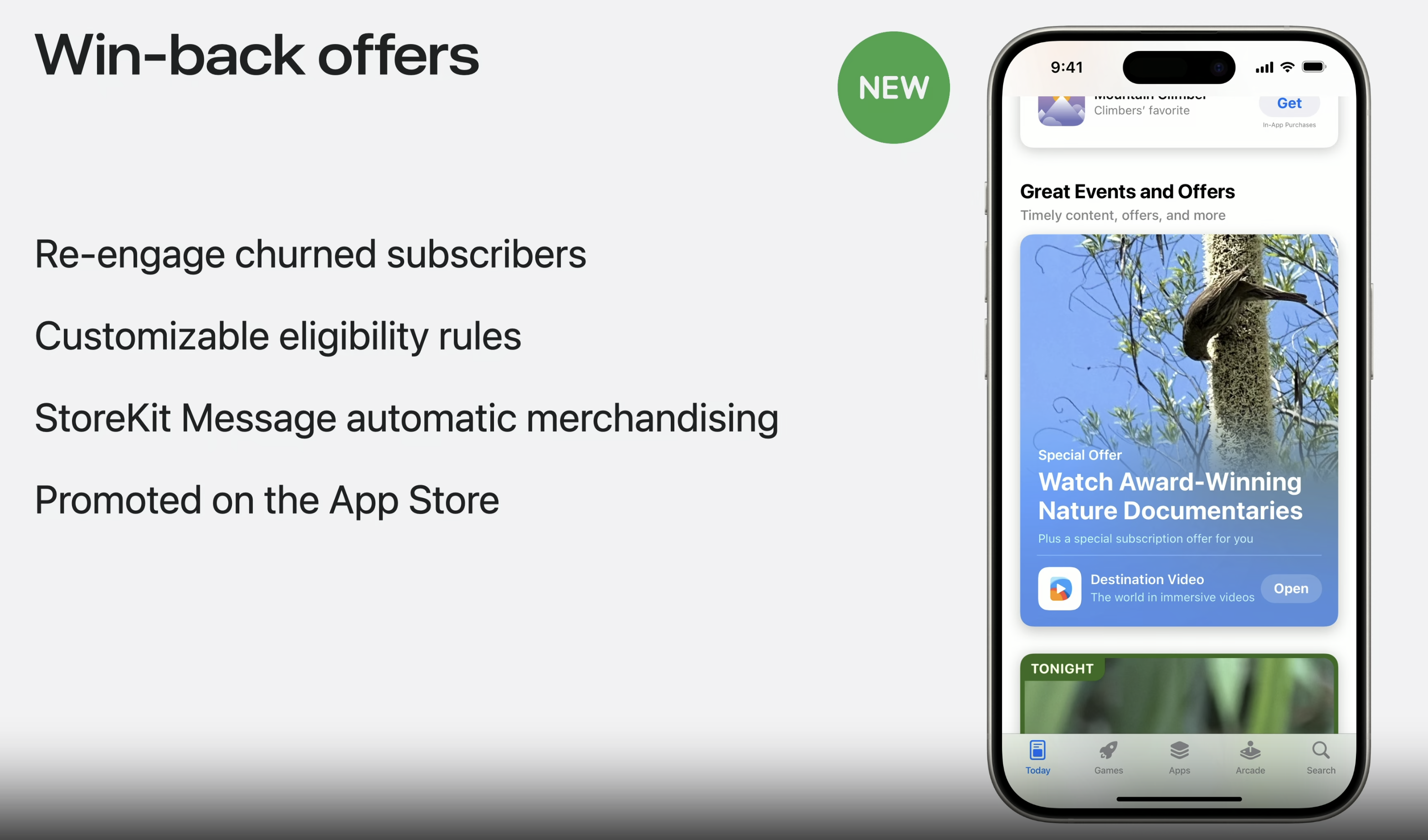
Benefits of win-back offers:
- Re-engage churned subscribers.
- Customizable eligibility rules.
- StoreKit Message automatic merchandising.
- Promoted on the App Store.
Before dub-dub 24, we had the following subscription offers:
- Introductory offer
- Promotional offer
- Offer codes
With the new addition of win-back, the list has been updated:
- Introductory offer
- Promotional offers
- Offer codes, and
- Win-back offer
These are the new properties you need to be aware of when supporting win-back:
winBack: A win-back offer for an auto-renewable subscription.eligibleWinBackOfferIDs: An array of strings that represent the offer identifiers of the win-back offers that the customer is eligible to redeem.winBackOffers: An array of all win-back offers available for the auto-renewable subscription that you configure in App Store Connect.winBackOffer(_:): Sets a win-back offer to apply to the purchase.
Testing win-back offers using StoreKit configuration
Prerequisites for testing win-back on iOS 18+:
- Download the latest Xcode 16 beta.
- Setting up StoreKit testing in Xcode.
- Testing IAPs using the StoreKit transaction manager.
There is now a new entry in your StoreKit configuration file.

Click on the “+” to configure a new win-back offer similar to the image below.

Now that your win-back offer is configured, you’re ready to test using your StoreKit configuration file. Make sure to select the file in your Xcode scheme editor.
To ensure you have a faster renewal rate navigate to the Xcode menu -> Editor -> Subscription Renewal Rate and set it to let’s say 5 minutes.
The logic for retrieving offers on a specific product instance may resemble the code snippet below:
// assuming we have only one offer
product.subscription?.winBackOffers.first
Also, to retrieve the win-back offer IDs, you can use the snippet below:
// The `eligibleWinBackOfferIDs` is found on the `renewalInfo`
renewalInfo.eligibleWinBackOfferIDs
Now to test we can do the following:
- Make a standard purchase of your subscription.
- Cancel the subscription.
- When the given transaction has expired (assuming you set the renewal rate to 5 minutes) the subscriber will be eligible for the win-back offer.
- Once the expiration time has passed and appropriate UI adjustments have been made to accommodate standard purchasing and win-back, your offer should be visible in the product view UI.
To make a win-back purchase you need the following snippet in your purchasing logic:
let options = Set(
    [
        Product.PurchaseOption.appAccountToken(appAccountToken),
        Product.PurchaseOption.winBackOffer(subscriptionOffer)
    ]
)
let result = try await subscription.product.purchase(options: options)
If you’re acquainted with StoreKit and have implemented purchasing, your users should regain access to the paid content they’re entitled to. Happy coding.
 alexpaul.dev